im.messages sends, reads, mutates, and subscribes to messages. Get a chat.guid before calling message APIs. chat.guid is the server’s chat identifier. It is not an email address or phone number. If you only have a recipient address, create or resolve the chat first with im.chats.create(...).
ScenarioArgument shape
Send, read, edit, or unsend in one chatFirst argument is chat.guid
List messages in one chatlistInChat(chat.guid, options)
Subscribe to one chat’s message eventssubscribeEvents({ chat: chat.guid })
List recent messages across chatslistRecent(options), no chat.guid

What You Can Do

NeedUse
Send plain textim.messages.sendText(chat.guid, text)
Add a message effecteffect: MessageEffect.*
Format textformatting: [...]
Send an attachmentUpload with im.attachments.upload(...), then call im.messages.sendAttachment(...)
Send a card that opens your iMessage extensionim.messages.sendCustomizedMiniApp(chat.guid, message)
Reply to a messagereplyTo on sendText(...), sendAttachment(...), or sendMultipart(...)
Send multipart contentim.messages.sendMultipart(...)
Add or remove a reactionim.messages.setReaction(...)
Place a stickerim.messages.placeSticker(...)
Edit a messageim.messages.edit(...)
Unsend a messageim.messages.unsend(...)
Notify anywayim.messages.notifySilenced(...)
Get or list messagesget(...), listRecent(...), listInChat(...)
Subscribe to message eventsim.messages.subscribeEvents(...)

Send Text

const sent = await im.messages.sendText(chat.guid, "Hello");

console.log(sent.guid);
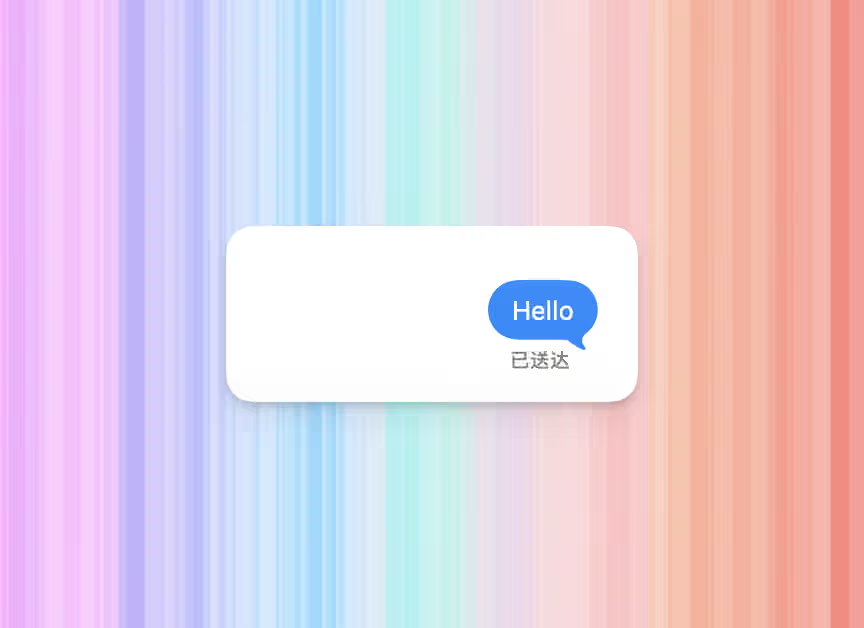
sendText(...) returns Message. text is trimmed by the server and must not be empty after trimming. Common Message fields:
const message = {
  // Message GUID. Use it for edits, unsends, reactions, replies, and lookups.
  guid: "message-guid",
  // Chats that contain this message.
  chatGuids: ["any;-;[email protected]"],
  content: {
    text: "Hello",
    attachments: [],
    formatting: [],
    mentions: [],
  },
  isFromMe: true,
  dateCreated: new Date("2026-01-01T12:00:00Z"),
};
iMessage text bubble showing a sent Hello message

Message Effects

Message effects apply to the whole outgoing message: confetti, fireworks, slam, invisible ink, and similar iMessage effects.
import { MessageEffect } from "@photon-ai/advanced-imessage";

await im.messages.sendText(chat.guid, "Happy birthday", {
  effect: MessageEffect.confetti,
});
ConstantEffect
MessageEffect.confettiConfetti
MessageEffect.fireworksFireworks
MessageEffect.balloonsBalloons
MessageEffect.heartHeart
MessageEffect.lasersLasers
MessageEffect.celebrationCelebration
MessageEffect.sparklesSparkles
MessageEffect.spotlightSpotlight
MessageEffect.echoEcho
MessageEffect.slamSlam
MessageEffect.loudLoud
MessageEffect.gentleGentle
MessageEffect.invisibleInvisible ink
Clients that do not support a given effect show the message normally.

Text Formatting

formatting applies bold, italic, underline, strikethrough, or animated text effects to a range of text.
import { TextEffect } from "@photon-ai/advanced-imessage";

await im.messages.sendText(chat.guid, "Bold then bloom", {
  formatting: [
    { type: "bold", start: 0, length: 4 },
    { type: "effect", start: 10, length: 5, effect: TextEffect.bloom },
  ],
});
typeEffectShape
"bold"Bold{ type: "bold", start, length }
"italic"Italic{ type: "italic", start, length }
"underline"Underline{ type: "underline", start, length }
"strikethrough"Strikethrough{ type: "strikethrough", start, length }
"effect"Animated text effect{ type: "effect", start, length, effect }
start and length use UTF-16 code units. In plain ASCII text, offsets match what you see on screen. With emoji or other non-BMP characters, one visible character may use two code units.
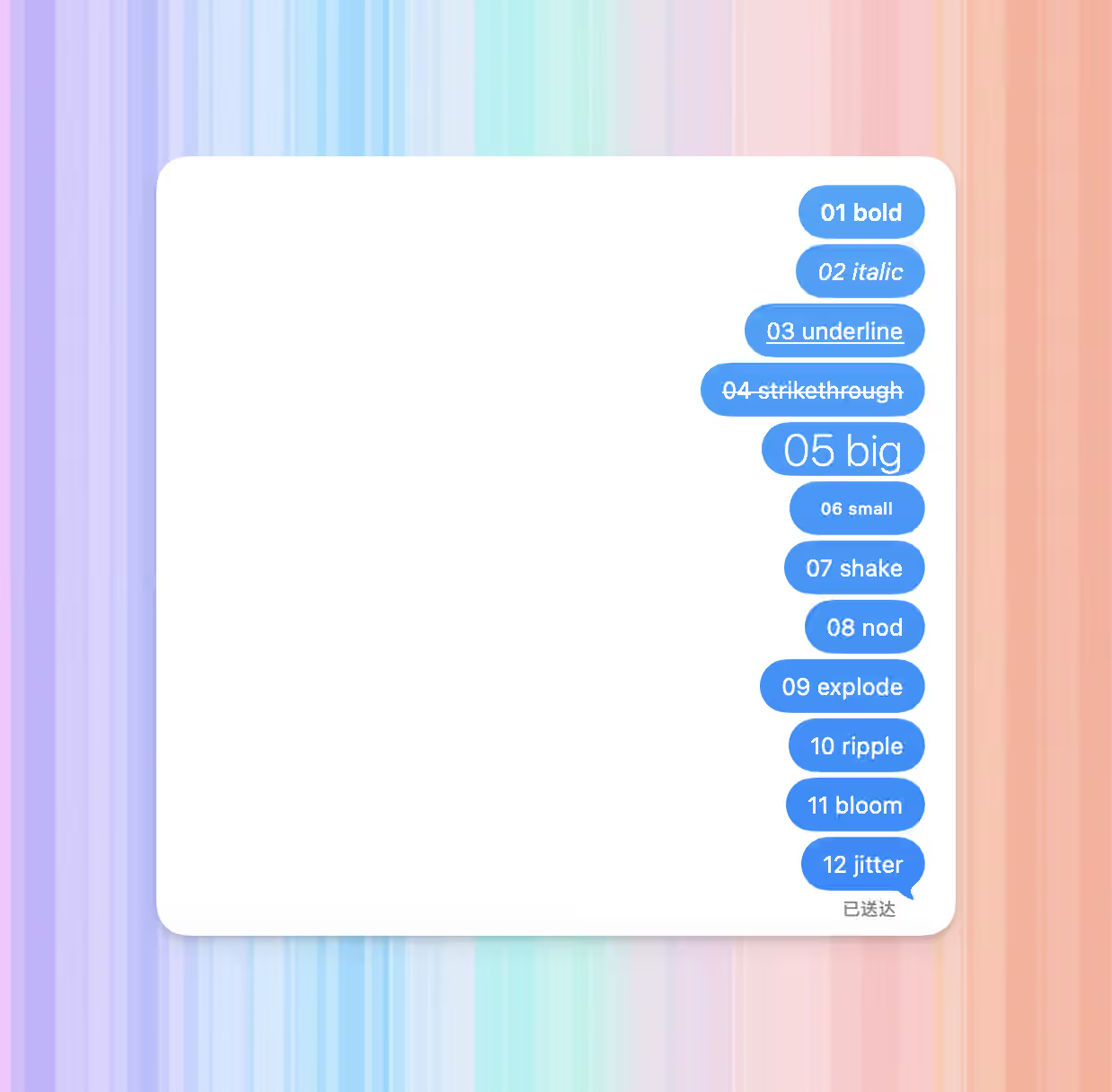
ConstantEffect
TextEffect.bigBig
TextEffect.smallSmall
TextEffect.shakeShake
TextEffect.nodNod
TextEffect.explodeExplode
TextEffect.rippleRipple
TextEffect.bloomBloom
TextEffect.jitterJitter
iMessage messages showing bold italic underline strikethrough and text effects

Send Attachments

Sending an attachment has two steps:
  1. Upload file bytes with im.attachments.upload(...) to get an attachment GUID.
  2. Pass uploaded.attachment.guid to sendAttachment(...).
const uploaded = await im.attachments.upload({
  fileName: "photo.jpg",
  data: await readFile("photo.jpg"),
});

const sent = await im.messages.sendAttachment(chat.guid, uploaded.attachment.guid);

console.log(sent.guid);
The second argument to sendAttachment(...) is a server attachment GUID, not a local file path. Upload behavior, file extensions, Live Photos, and downloads are covered in attachments.
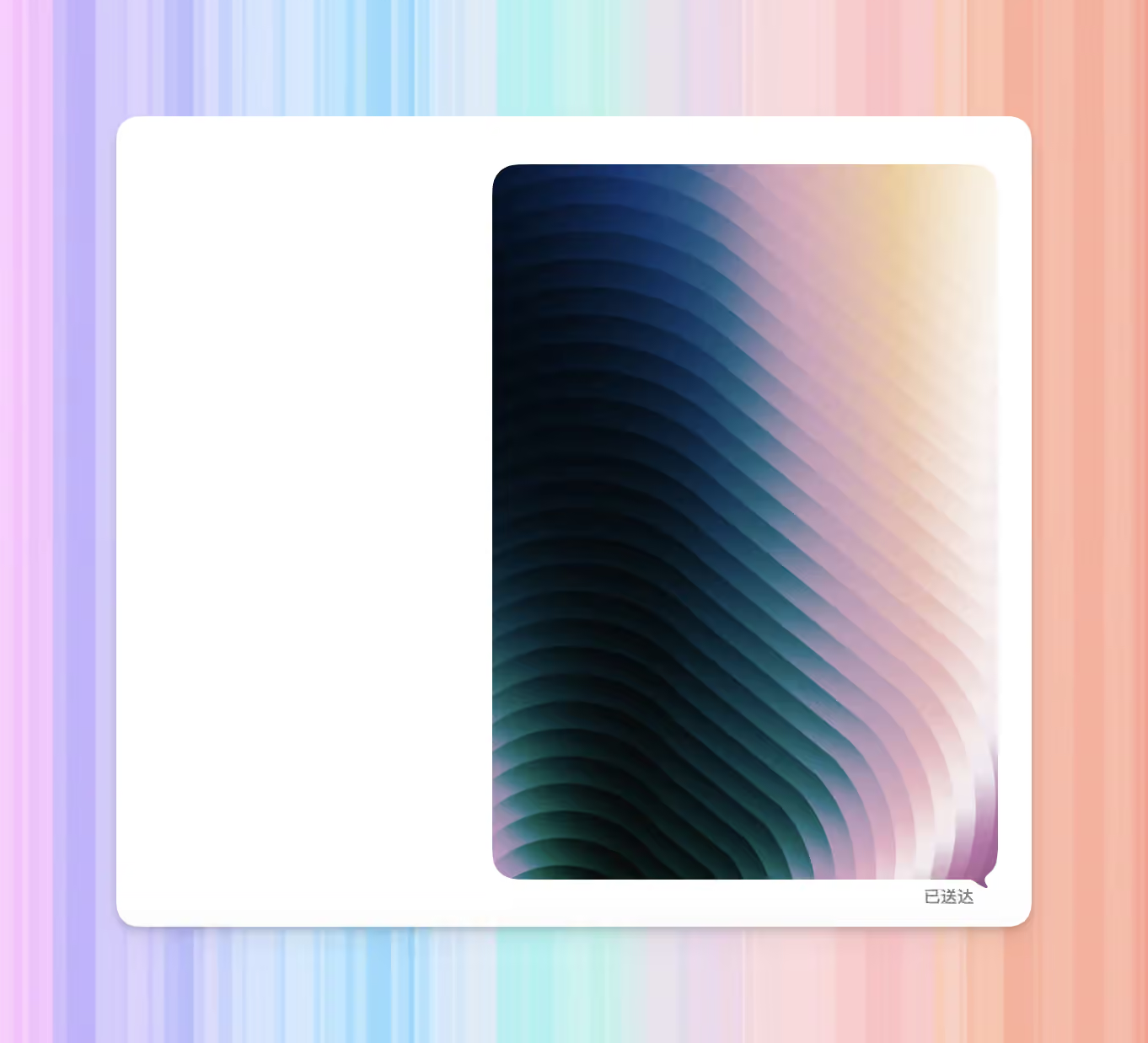
iMessage image attachment message

Audio Messages

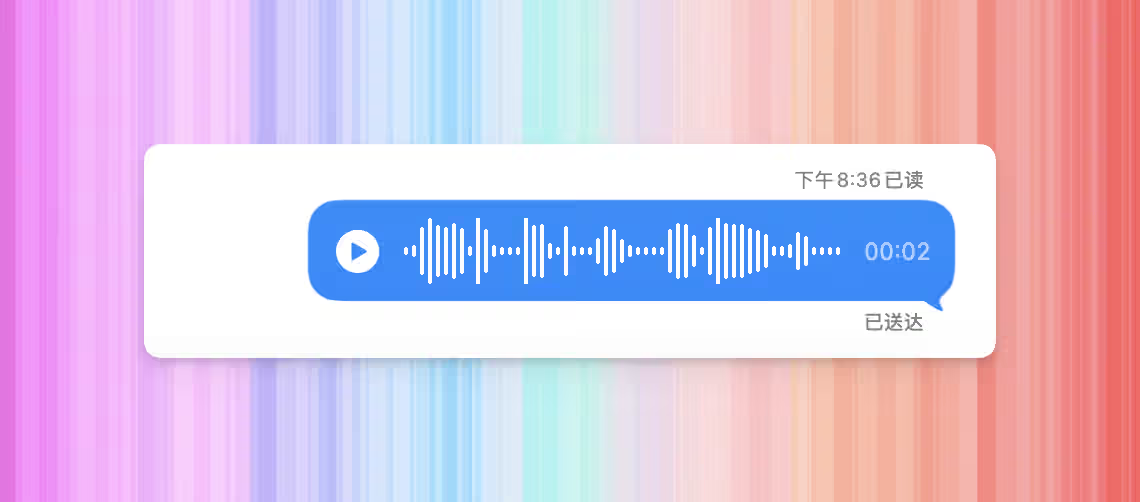
To use Apple’s audio-message bubble UI, set isAudioMessage: true:
const audio = await im.attachments.upload({
  fileName: "voice.m4a",
  data: await readFile("voice.m4a"),
});

await im.messages.sendAttachment(chat.guid, audio.attachment.guid, {
  isAudioMessage: true,
});
OptionMeaning
isAudioMessage: trueShows the audio-message UI, such as a play button and waveform
OmittedSends as a regular attachment
iMessage audio message bubble with play button and waveform

Send Mini App Cards

sendCustomizedMiniApp(...) sends a card that, when tapped, opens your iMessage extension and hands it url. Use it to launch your own app with a structured payload; for plain link previews, just put the URL in sendText(...). You need a published iMessage extension on the App Store before you can call this. appName, teamId, and extensionBundleId identify that extension so Messages.app can route the tap to it on the recipient’s device. appStoreId is optional — when set, recipients without the extension installed see an App Store install prompt. For most cards we recommend an image preview with an overlaid title:
const sent = await im.messages.sendCustomizedMiniApp(chat.guid, {
  appName: "MyGame",
  appStoreId: 1234567890,
  teamId: "ABCDE12345",
  extensionBundleId: "com.example.mygame.MessagesExtension",
  url: "https://mygame.example.com/level/7",
  layout: {
    image: await readFile("preview.jpg"),
    imageTitle: "Level 7",
  },
});

console.log(sent.guid);
FieldMeaning
appNameDisplay name of your app. Recipients without your extension installed see this on an App Store install prompt.
appStoreIdOptional numeric App Store id, e.g. 1234567890 from apps.apple.com/app/id1234567890. When set, must be a positive integer.
teamId10-character uppercase alphanumeric Apple Team ID. Find it in App Store Connect → Membership.
extensionBundleIdBundle identifier of the iMessage extension target inside your app.
urlAbsolute URL delivered to your extension when the recipient taps the card.
layoutWhat the card looks like in the conversation, covered in Card Layout below.
This call does not accept replyTo, message effects, or subject. The only option you can pass in the final argument is clientMessageId, used as an idempotency key for job retries.

Card Layout

layout mirrors Apple’s MSMessageTemplateLayout — slot names match the Apple field names, so Apple’s documentation applies directly.
SlotWhere it renders
captionTop-left, bold. The most prominent text slot.
subcaptionBelow caption, on the left.
trailingCaptionTop-right.
trailingSubcaptionBelow trailingCaption, on the right.
imageJPEG preview image filling the card.
imageTitleOverlay text above the image.
imageSubtitleOverlay text below imageTitle.
summaryFallback text for notifications, lock screens, and other surfaces that cannot render the full card.
The server enforces these rules at send time:
  • At least one of caption, subcaption, trailingCaption, trailingSubcaption, or image must be set. summary alone is not enough — it only appears on fallback surfaces.
  • image and imageTitle must be set together. Setting one without the other is rejected.
  • imageSubtitle requires image.
layout.image must be JPEG bytes. The server checks the JPEG SOI marker (FF D8) and rejects any other format. Convert PNG, WebP, HEIC, or anything else to JPEG before calling.

Reply to a Message

To reply to a message, pass the target message GUID as replyTo:
await im.messages.sendText(chat.guid, "Replying to this", {
  replyTo: sent.guid,
});
replyTo works with text, attachment, and multipart sends:
MethodReply field
sendText(...)options.replyTo
sendAttachment(...)options.replyTo
sendMultipart(...)options.replyTo
For a multipart target, pass both the message GUID and the zero-based bubble index:
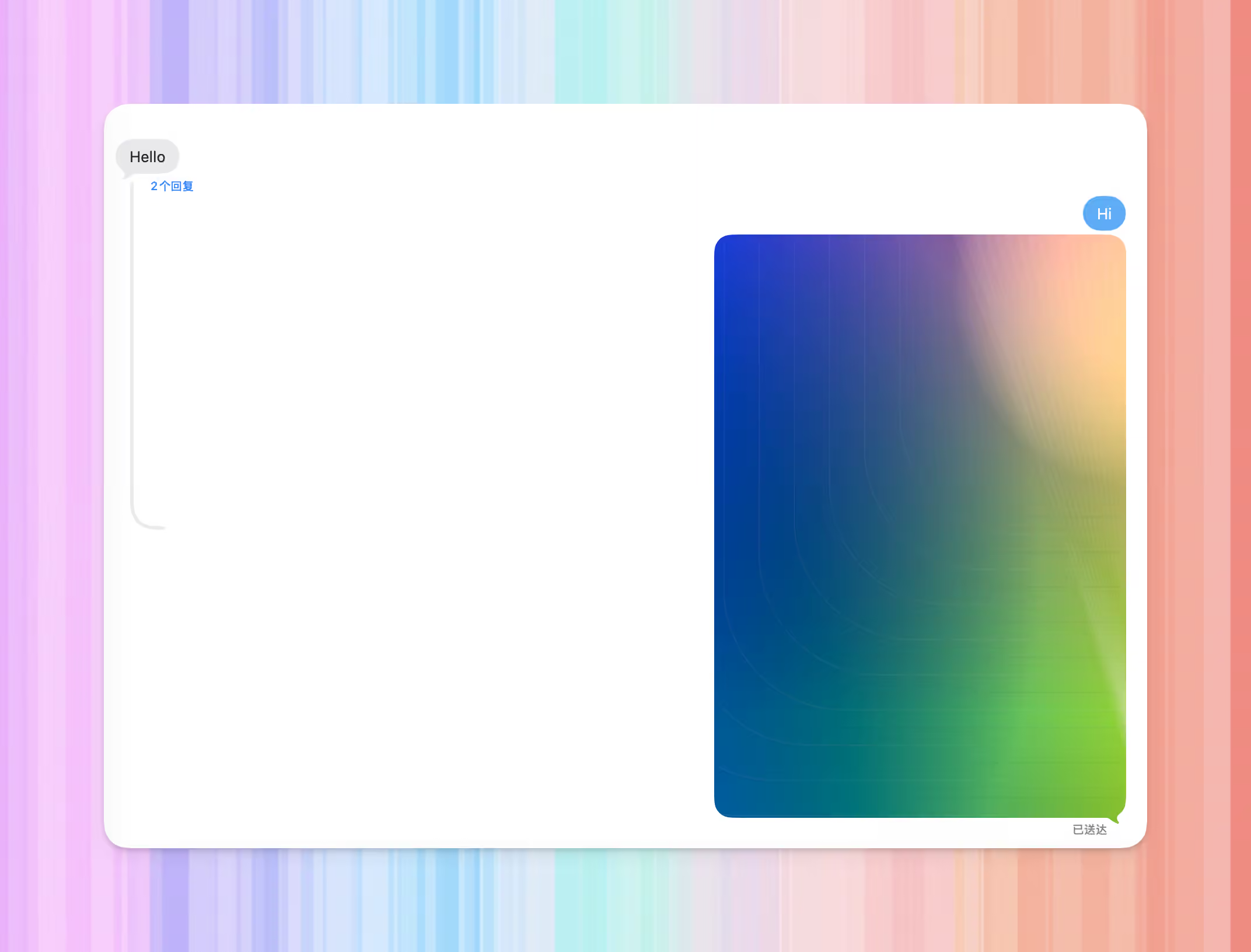
await im.messages.sendText(chat.guid, "Replying to the second bubble", {
  replyTo: {
    guid: sent.guid,
    partIndex: 1,
  },
});
iMessage reply showing a quoted original message and reply content

Send Multipart Messages

sendMultipart(...) sends text, mentions, and attachments as one logical message. Recipients see related bubbles instead of separate sends.
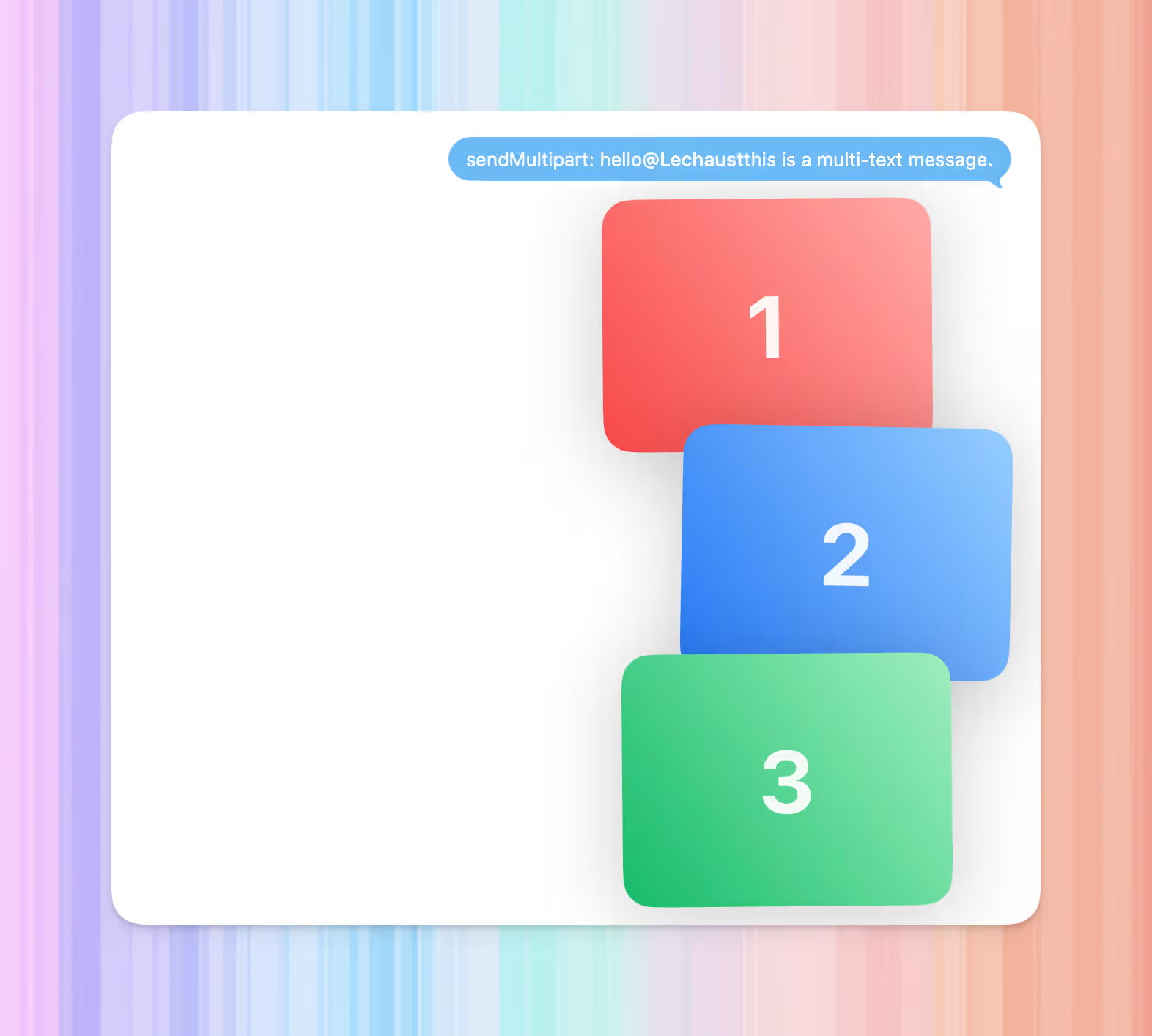
await im.messages.sendMultipart(chat.guid, [
  { text: "Look at this " },
  { text: "@Alice", mentionedAddress: "[email protected]" },
  {
    attachmentGuid: uploaded.attachment.guid,
    attachmentName: "photo.jpg",
  },
]);
Each part is one text, mention, or attachment bubble. Do not mix text and attachment fields in the same part object. Text part:
{
  "text":             "Look at this",       // Text content
  "mentionedAddress": "[email protected]",  // Optional; marks this text part as a mention
  "formatting":       []                    // Optional; applies only to this text part
}
Attachment part:
{
  "attachmentGuid":   "attachment-guid",    // Attachment GUID
  "attachmentName":   "photo.jpg"           // Optional display name
}
InputRule
partsMust not be empty
Text partPass text; it is trimmed and must not be empty after trimming
Attachment partPass attachmentGuid; do not pass a local file path
mentionedAddressText parts only
formattingApplies only to the current text part
iMessage multipart message with text mention and image attachment
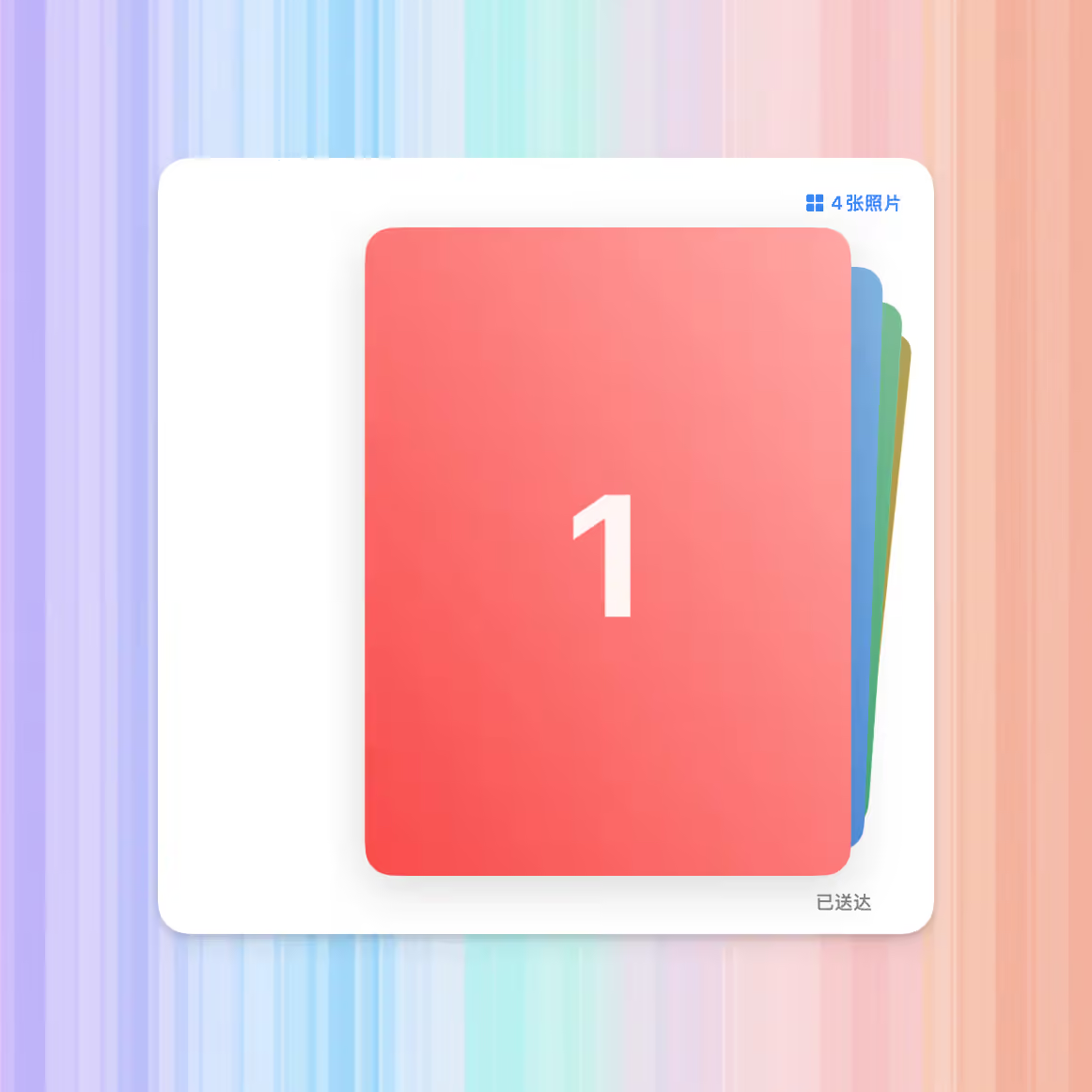
Multiple images are also multipart messages: upload each image, then put each attachment GUID in the same sendMultipart(...) call.
const photos = await Promise.all(
  ["photo-1.jpg", "photo-2.jpg", "photo-3.jpg"].map(async (fileName) => {
    return im.attachments.upload({
      fileName,
      data: await readFile(fileName),
    });
  }),
);

await im.messages.sendMultipart(chat.guid, [
  {
    attachmentGuid: photos[0]!.attachment.guid,
    attachmentName: "photo-1.jpg",
  },
  {
    attachmentGuid: photos[1]!.attachment.guid,
    attachmentName: "photo-2.jpg",
  },
  {
    attachmentGuid: photos[2]!.attachment.guid,
    attachmentName: "photo-3.jpg",
  },
]);
iMessage message containing multiple image attachments

Reactions and Stickers

Reactions

setReaction(...) adds or removes a tapback / emoji reaction. The fourth argument is true to add and false to remove.
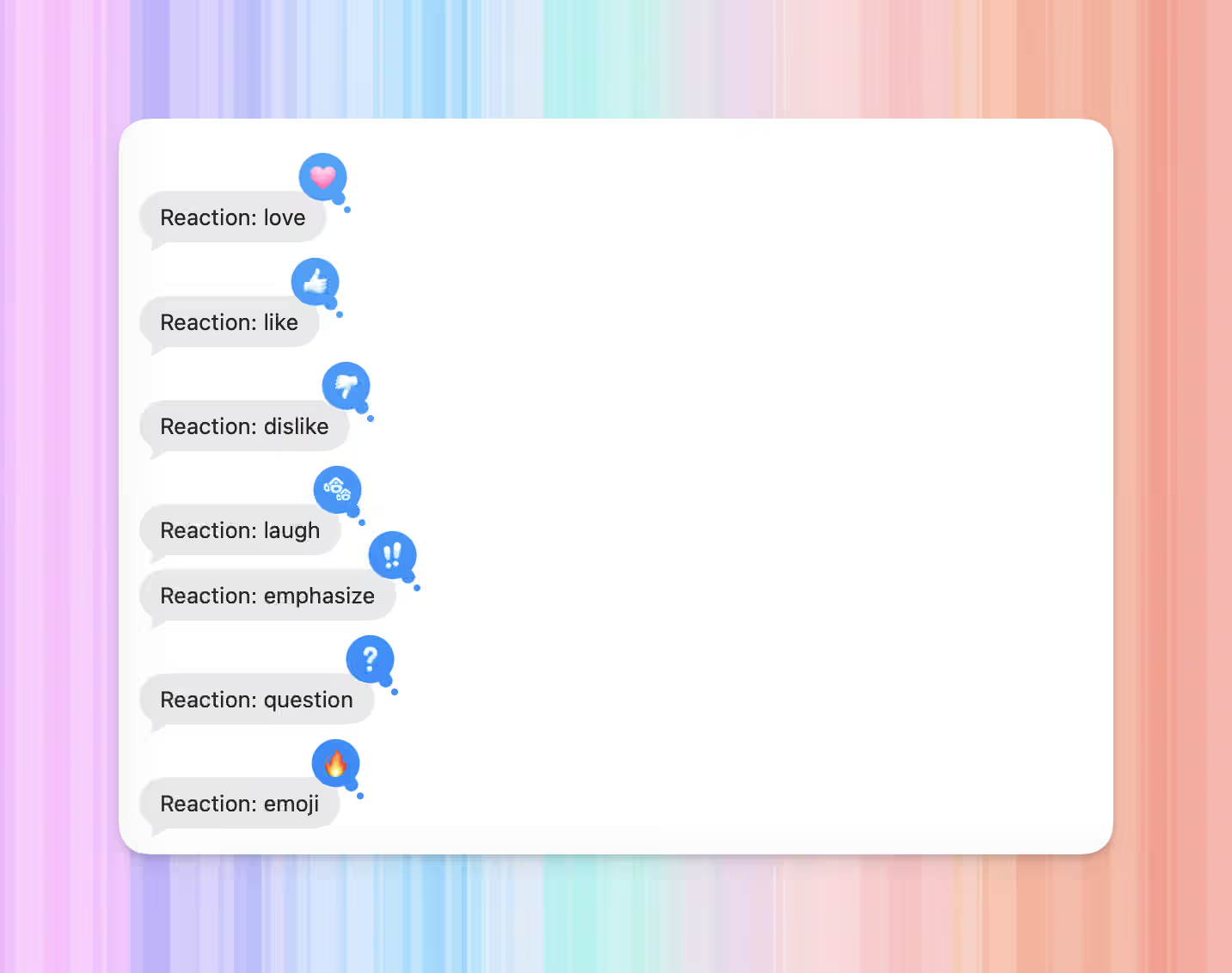
await im.messages.setReaction(chat.guid, sent.guid, { kind: "love" }, true);
await im.messages.setReaction(chat.guid, sent.guid, { kind: "love" }, false);
kindMeaning
"love"Heart
"like"Thumbs up
"dislike"Thumbs down
"laugh"Laugh
"emphasize"Emphasis
"question"Question mark
"emoji"Custom emoji; also pass emoji
await im.messages.setReaction(chat.guid, sent.guid, { kind: "emoji", emoji: "👍" }, true);
iMessage messages with tapback and emoji reactions

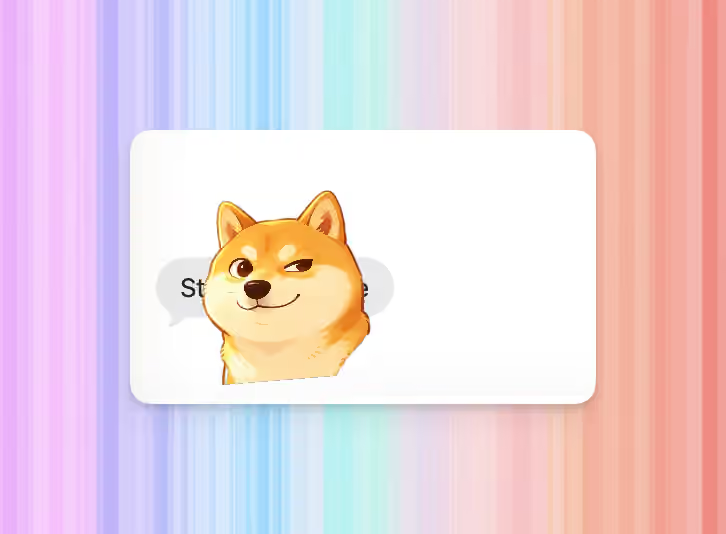
Stickers

A sticker is an image placed on top of a message. Upload the sticker image first, then call placeSticker(...). Sticker placement is not screen pixels. Think of the target message bubble as a small coordinate space: x: 0.5, y: 0.5 is roughly the center. Larger x moves right; smaller x moves left. Larger y moves down; smaller y moves up. Start near 0.5, 0.5 and make small adjustments. Do not pass pixel-like values such as 120 or 90.
const sticker = await im.attachments.upload({
  fileName: "sticker.png",
  data: await readFile("sticker.png"),
});

await im.messages.placeSticker(chat.guid, sent.guid, sticker.attachment.guid, {
  x: 0.54,
  y: 0.48,
  scale: 0.45,
  rotation: -0.08,
  width: 96,
});
FieldMeaning
xHorizontal position. 0.5 is roughly centered; larger moves right, smaller moves left
yVertical position. 0.5 is roughly centered; larger moves down, smaller moves up
scaleOptional scale factor
rotationOptional rotation. Use small values such as -0.08 or 0.08 for a slight tilt; do not pass 8
widthDisplay width. Pass it explicitly to keep large source images from covering the message
Custom sticker placed on an iMessage bubble
For multipart messages, reactions and stickers can target one bubble with partIndex. partIndex is zero-based. When omitted, the first bubble is targeted.
await im.messages.setReaction(chat.guid, sent.guid, { kind: "like" }, true, {
  partIndex: 1,
});
placeSticker(...) supports the same partIndex option.

Edit and Unsend

edit(...) changes a sent message and returns the updated Message.
const edited = await im.messages.edit(chat.guid, sent.guid, "Corrected text", {
  backwardCompatText: "Edited: Corrected text",
});

console.log(edited.guid);
unsend(...) retracts a sent message and returns void.
await im.messages.unsend(chat.guid, sent.guid);
OperationApple windowReturns
edit(...)Within 15 minutes of sendingMessage
unsend(...)Within 2 minutes of sendingvoid
After the Apple window expires, the server rejects the request and the SDK throws. See error handling.
OptionUsed byMeaning
backwardCompatTextedit(...)Fallback text for clients that cannot display message edits
partIndexedit(...), unsend(...)Target bubble index for multipart messages; zero-based
clientMessageIdedit(...), unsend(...)Idempotency key for job retries

Notify Anyway

notifySilenced(...) triggers Apple’s “Notify Anyway” action after a recipient has Focus silence enabled.
await im.messages.notifySilenced(chat.guid, sent.guid);
Returns void. To check Focus state before sending, use im.addresses.isFocusSilenced(address).

Get and List Messages

Get One Message

When you have a message GUID, call get(...):
const message = await im.messages.get(sent.guid);

console.log(message.content.text);
Missing messages throw NotFoundError.

List Recent Messages

listRecent(...) lists recent messages across chats:
const recent = await im.messages.listRecent({
  pageSize: 25,
});

for (const message of recent.messages) {
  console.log(message.guid, message.content.text);
}
listInChat(...) lists messages in one chat:
const page = await im.messages.listInChat(chat.guid, {
  pageSize: 25,
  before: new Date("2026-01-01T00:00:00Z"),
});

for (const message of page.messages) {
  console.log(message.guid);
}
For pagination, pass the previous response’s nextPageToken as the next request’s pageToken:
let pageToken;

do {
  const page = await im.messages.listInChat(chat.guid, {
    pageSize: 50,
    pageToken,
  });

  for (const message of page.messages) {
    console.log(message.guid, message.content.text);
  }

  pageToken = page.nextPageToken;
} while (pageToken);
FilterMeaning
afterOnly messages created after this time
beforeOnly messages created before this time
isFromMetrue for sent messages only, false for received messages only
isReadtrue for read messages only, false for unread messages only
pageSizeNumber of messages per page; range 1..100
pageTokennextPageToken from the previous response

Embedded Media

Digital Touch and handwritten-message media are not exposed as regular attachments. Use getEmbeddedMedia(...) to read that media.
const media = await im.messages.getEmbeddedMedia(chat.guid, message.guid);

console.log(media.mimeType, media.data.byteLength);
CaseResult
Message is Digital Touch or handwritten mediaReturns { data, mimeType }
Chat or message does not existThrows NotFoundError
Message is not an embedded-media typeThrows ValidationError, with error.code === ErrorCode.operationNotSupported

Message Events

subscribeEvents(...) streams live message changes. To scope it to one chat, pass { chat: chat.guid }:
for await (const event of im.messages.subscribeEvents({ chat: chat.guid })) {
  switch (event.type) {
    case "message.received":
      console.log(event.message.guid, event.message.content.text);
      break;

    case "message.edited":
      console.log(event.messageGuid, event.editedAt);
      break;

    case "message.unsent":
      console.log(event.messageGuid, event.retractedAt);
      break;
  }
}
Omit the filter to receive events for all visible chats:
for await (const event of im.messages.subscribeEvents()) {
  console.log(event.chatGuid, event.type);
}
Common event fields:
const event = {
  // Event type.
  type: "message.received",
  // Durable event sequence.
  sequence: 123,
  // Chat that owns the event.
  chatGuid: "any;-;[email protected]",
  // Whether the current account produced the event.
  isFromMe: false,
  occurredAt: new Date("2026-01-01T12:00:00Z"),
  // Participant that triggered the event; may be absent.
  actor: {
    address: "[email protected]",
    service: "iMessage",
  },
  // Present on message.received.
  message: {
    guid: "message-guid",
  },
};
event.typeExtra fieldsMeaning
message.receivedmessageA message was received or became visible
message.editedmessageGuid, content, editedAtA message was edited
message.readmessageGuid, readAtA message was marked read
message.unsentmessageGuid, retractedAtA message was retracted
message.reactionAddedmessageGuid, reaction, targetPartIndex?A reaction was added
message.reactionRemovedmessageGuid, reaction, targetPartIndex?A reaction was removed
message.stickerPlacedmessageGuid, sticker?, placement?, targetPartIndex?A sticker was placed on a message
Write method return values tell you that the call you made has completed. Event streams are for changes from other people, other devices, or another part of your system. In production, consume live streams and recovery together; see events.

Next Steps

  1. Attachments — upload files, get attachment GUIDs, and send attachment messages
  2. Chats — create chats and get chat.guid
  3. Events — handle live events and recovery
  4. Error Handling — handle errors, retries, and idempotent writes