

TL;DR: Photon is now on the Dify Marketplace. Install the plugin and any Dify workflow, chatflow, or agent can send and read messages on iMessage, SMS, WhatsApp, WhatsApp Business, email, and Telegram. Install the companion Photon Trigger and an incoming text can start a workflow. No webhook service, no extra server.
Things your Dify workflow couldn't do last week: reply to a text.
Today we're releasing the Photon plugin for Dify, now live on the Dify Marketplace. It gives every Dify app the same messaging layer that powers the iMessage agents built on Photon, across six channels, with the delivery guarantees you'd want in production.
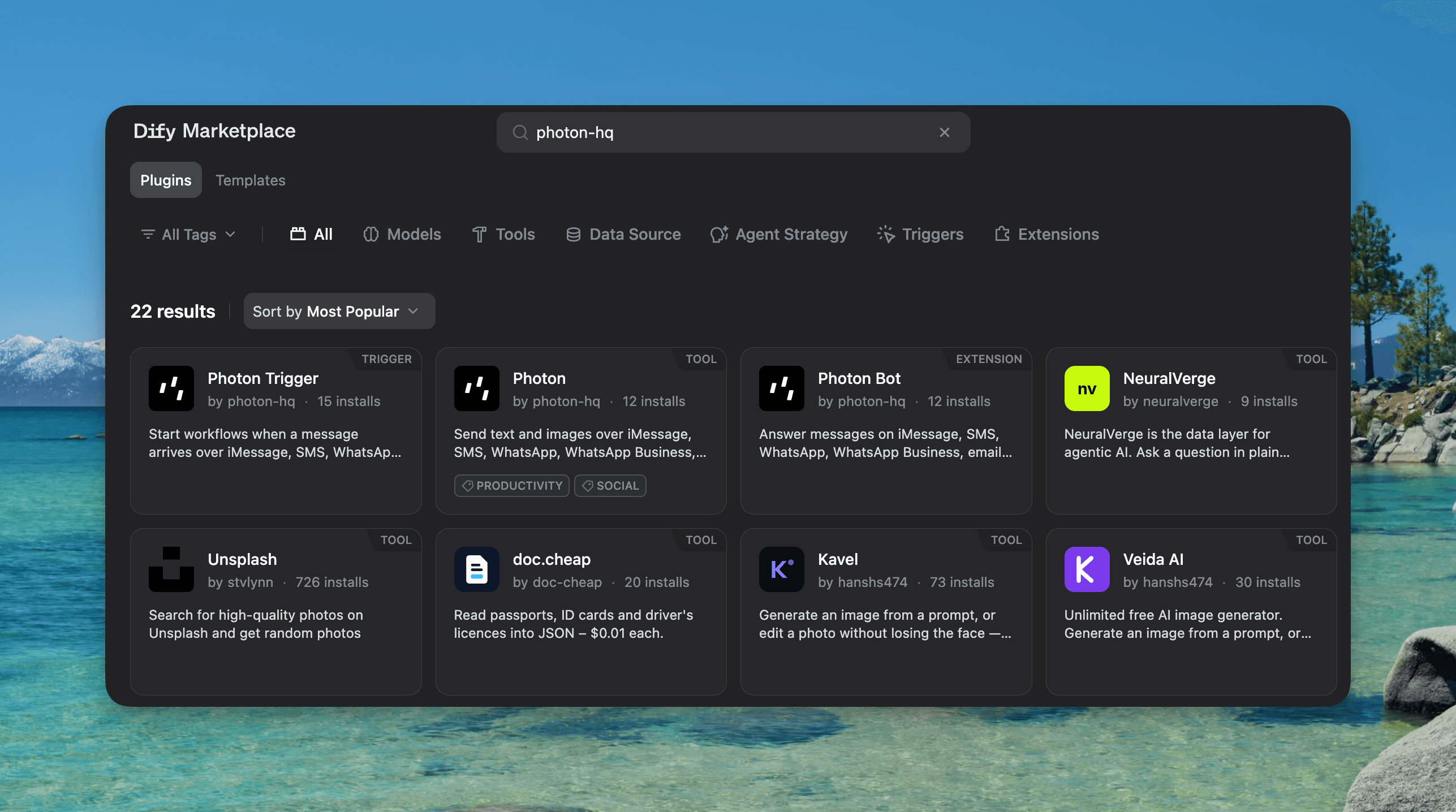
Here's the launch post: x.com/PhotonHQ/status/2116258120603504882
About Photon
Photon is a unified messaging API that brings AI agents to the channels people already use: iMessage, SMS, RCS, WhatsApp, Telegram, email, and phone calls. Every conversation is modeled the same way, as Users, Spaces, and Messages, so one agent can run on every channel through a single API. It's free to start, with $100 in credits for every new account.
Why Dify
Dify is one of the most widely used open-source platforms for building LLM apps: visual workflows, chatflows, agents, and a plugin marketplace, on Dify Cloud or self-hosted. For a lot of teams it's where the first production agent gets built.
We co-hosted a hackathon with the Dify team in San Francisco earlier this year, and the question we kept hearing was the one we hear everywhere: "How do I get this agent into iMessage?"
Until now the answer was to leave Dify. Stand up a webhook service, learn another API, keep a server running. Most people never got to the part where their agent talks to a real person.
Now it's a node.
What the plugin does
The Photon plugin sends and reads messages on iMessage, SMS, WhatsApp, WhatsApp Business, email, and Telegram from Dify workflows, chatflows, and agents. Each conversation is a Space tied to one channel, so the same eight tools work across all six.
Tool | What it does |
|---|---|
| Send text or images (JPEG, PNG, GIF, WebP, up to 10 MB each) into an existing Space |
| List Spaces, optionally filtered by channel or participant |
| Return or create the Space for a set of users on one channel |
| List messages by channel, direction, and time, or one Space's messages |
| Return one message with its sender, content, and delivery status |
| Return a user's handle and whether it's an agent or a person |
| Return or create a user for a phone number or email on one channel |
| Return attachment metadata and the file as a Dify file |
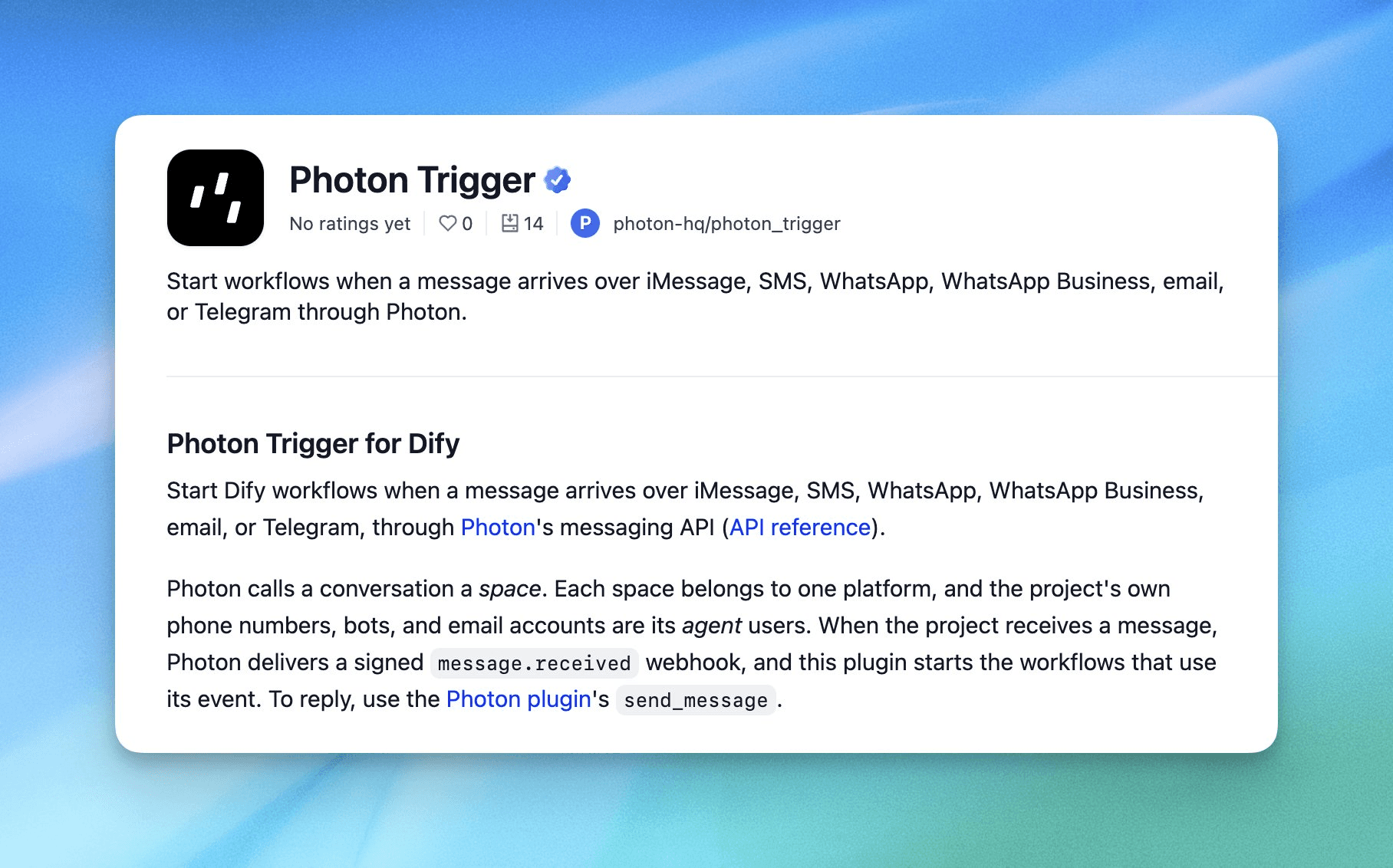
To start a workflow when a message comes in, install the companion Photon Trigger plugin. It adds a Message received start node, with optional filters by platform, text match, or regex, and hands your workflow the full message: id, platform, space, sentBy, receivedBy, content, status, and timestamps.
A workflow that answers texts
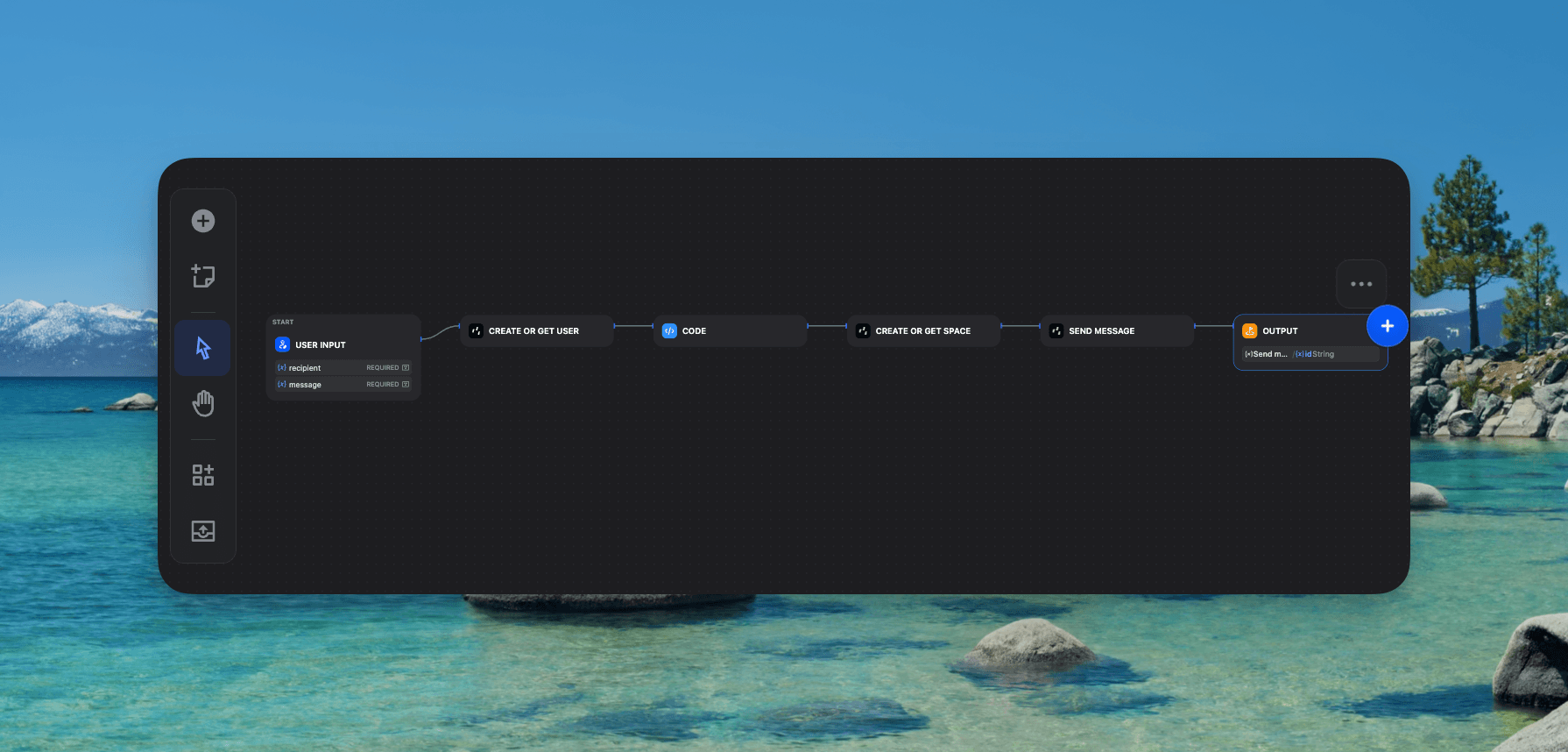
The smallest useful version is three nodes:
Message received (Photon Trigger). Branch on
content.typeif you only want text.LLM. Pass
content.textin, with whatever context your app already has.send_message (Photon). Pass the Space
idandreceivedBy.idfrom the trigger, and the LLM output as the text.
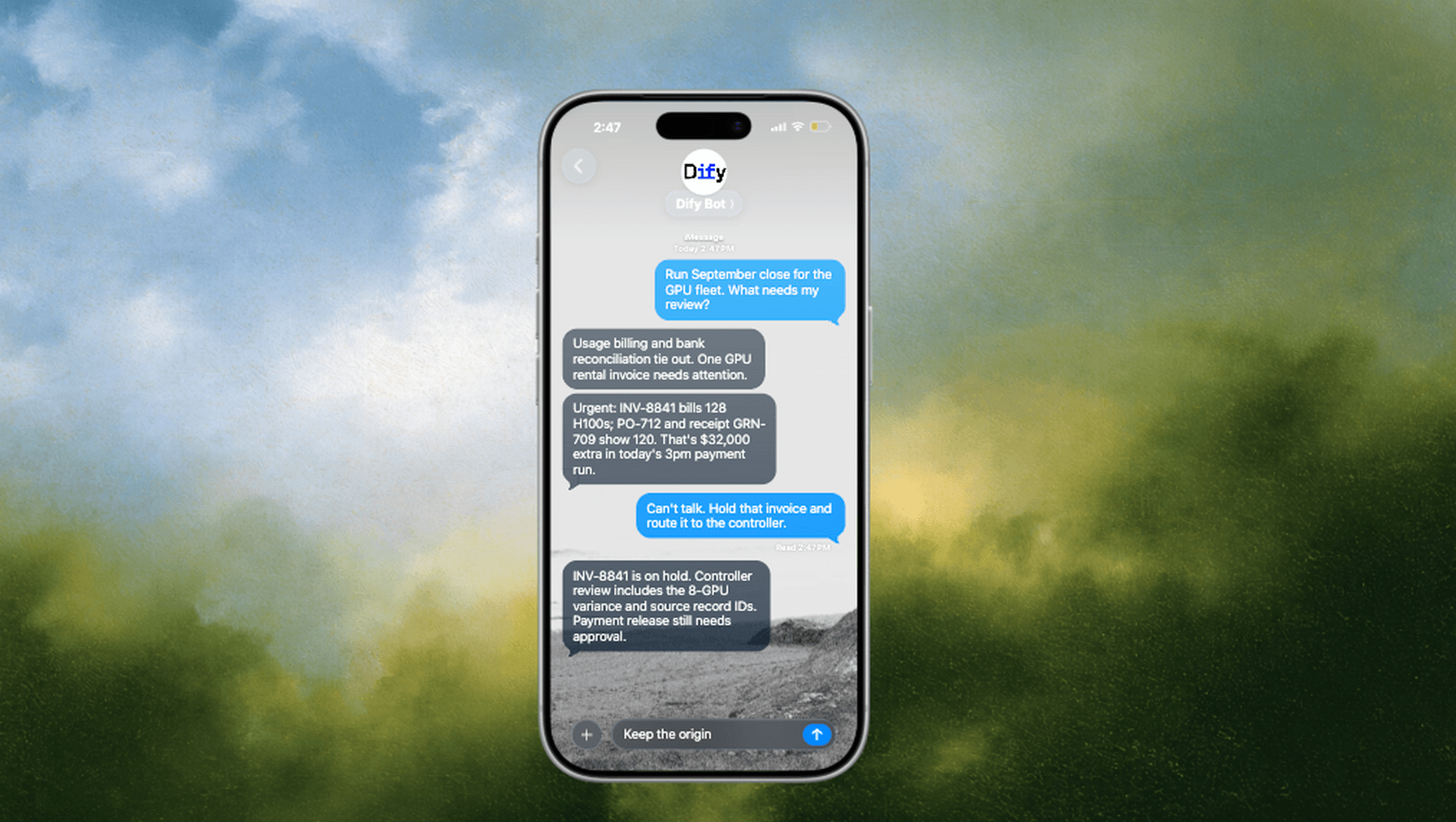
That's an agent people can text, on iMessage or any of the other five channels, built entirely in Dify's canvas. Add a knowledge retrieval node and it answers from your docs. Add a code node and it looks up an order. The messaging part stays three nodes.
Built for production
A few details we cared about, because they're the ones that bite later:
Honest delivery status. Sends are asynchronous and usually return
dispatched. Callget_messageto confirmdelivered,accepted(the channel took it but delivery is unconfirmed, with a reason), orfailed.Safe retries. Reuse the same
idempotency_keyand a retried send never goes out twice. If you don't pass one, the plugin generates it and returns it. For replies, build the key from the inbound messageidso a redelivered webhook never triggers a duplicate answer.Photon decides the channel rules. What each channel accepts comes from Photon, and the plugin passes Photon's status, code, and reason straight back. Every code is in the problem catalog, so you always know why a send was refused.
Signed triggers. Every inbound delivery has to pass a Standard Webhooks HMAC-SHA256 check with a five-minute timestamp window. Deliveries that fail the check start nothing.
Two things to know: classic Agent apps can only send text, since they can't pass files to tools. And on Telegram, Photon doesn't create users or Spaces; the conversation starts when the person messages your bot.
How to set it up
In your Photon project, connect the channels you want to use. The plugin doesn't connect channels for you.
Create an Account Service Key (
pho_ask_) or a Project API key (pho_sk_), and copy your project ID (pho_prj_).Install Photon from the Dify Marketplace, then authorize it under Tools → Photon with your
api_key(the raw key, without "Bearer") andproject_id.To receive messages, install Photon Trigger from the Marketplace as well, add Message received as a workflow's start node, and create a subscription with the same key and project ID. The webhook destination and signing secret are set up for you.
Self-hosted only: set
INTERNAL_FILES_URL(orFILES_URL) to an address the plugin can reach so it can download images to send, and setTRIGGER_URLto your Dify API's public HTTPS address before creating a trigger subscription.
That's it. Drop a Photon node into any workflow and your Dify app can text.
Agents should live where people already are
Photon is built around a simple belief: the next generation of AI agents shouldn't ask people to come to them. They should show up in the conversations people already have, hundreds of times a day.
Dify made building an agent something you can do in an afternoon. We want reaching people to be just as easy. Marketplace plugins are how that happens: the agent lives in Dify, the conversation lives in Messages, and nobody writes glue code in between.
Get started
Photon on the Dify Marketplace: marketplace.dify.ai/plugin/photon-hq/photon
Source and README: github.com/photon-hq/dify
Photon API reference: photon.codes/docs/beta/api-reference
Photon account: app.beta.photon.codes
Discord: discord.com/invite/4yXmmFPadR
Build an agent people can text. We can't wait to see what you ship on Dify.
Photon is messaging infrastructure for AI agents. One API gives developers access to the channels where people already communicate, including iMessage, SMS, RCS, WhatsApp, Telegram, email, and voice.
We're building the communication layer that lets agents go everywhere.