> ## Documentation Index
> Fetch the complete documentation index at: https://docs.photon.codes/docs/llms.txt
> Use this file to discover all available pages before exploring further.
# Terminal
> A full chat TUI for developing and testing agents locally.
```ts theme={null}
import { terminal } from "spectrum-ts/providers/terminal";
```
The terminal provider gives your agent a real chat interface in the terminal: multiple conversations in a sidebar, typing indicators, reactions, threaded replies, file attachments, and inline image rendering. It uses the same Spectrum APIs you use against iMessage or WhatsApp Business.
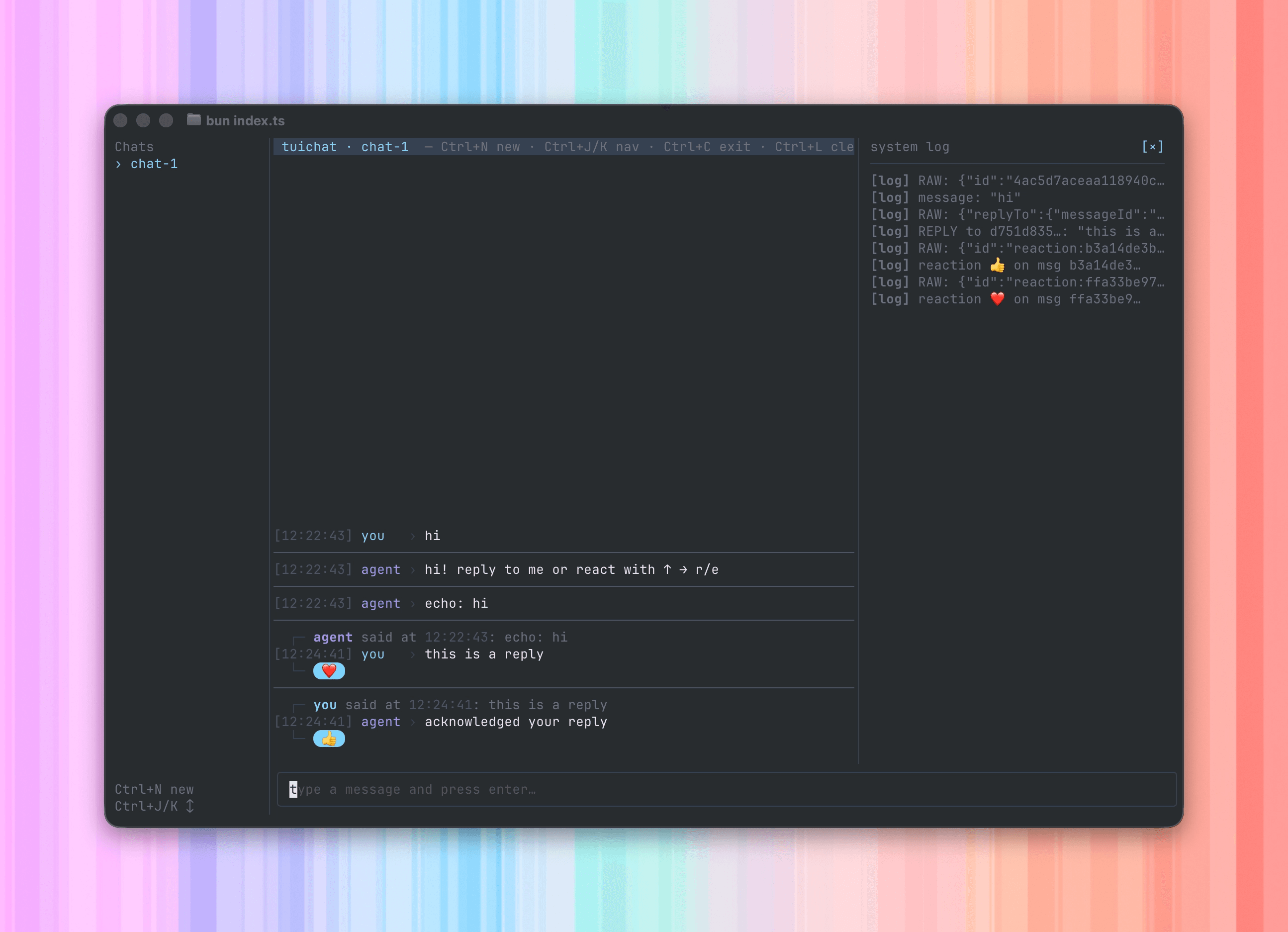 It is a drop-in test harness. Write your agent against the unified `app.messages` stream, and develop end-to-end without provisioning a phone number or pairing a device.
## Explore Terminal
Start the terminal provider, configure slash commands, and work with multiple spaces.
Use local reactions, replies, attachments, inline images, typing indicators, and console capture.
It is a drop-in test harness. Write your agent against the unified `app.messages` stream, and develop end-to-end without provisioning a phone number or pairing a device.
## Explore Terminal
Start the terminal provider, configure slash commands, and work with multiple spaces.
Use local reactions, replies, attachments, inline images, typing indicators, and console capture.