> ## Documentation Index
> Fetch the complete documentation index at: https://docs.photon.codes/docs/llms.txt
> Use this file to discover all available pages before exploring further.
> ## Agent Instructions
> Use Stable documentation by default. Honor an explicit Beta request or a URL under /docs/beta/. If the requested version conflicts with the installed CLI package or API origin, clarify the target before writing integration code.
> Pages under /docs/beta/ document Beta; other product pages document Stable. Keep the CLI package, commands, API origin, and credentials within the selected version. State the documentation version in your answer.
> For MCP search, always pass version: Stable or version: Beta. Unfiltered search mixes both versions. For filesystem reads, keep Beta queries under /beta/ and exclude /beta/ from Stable queries; discover paths before reading them.
> The public docs base is https://photon.codes/docs. Convert MCP page paths to public URLs under that base, preserving /beta/ when present. Read https://photon.codes/docs/skill.md for version selection and https://photon.codes/docs/llms.txt for the version indexes.
# Photon
> Messaging infrastructure for agents. Bring your agents to the interfaces millions of people already use.
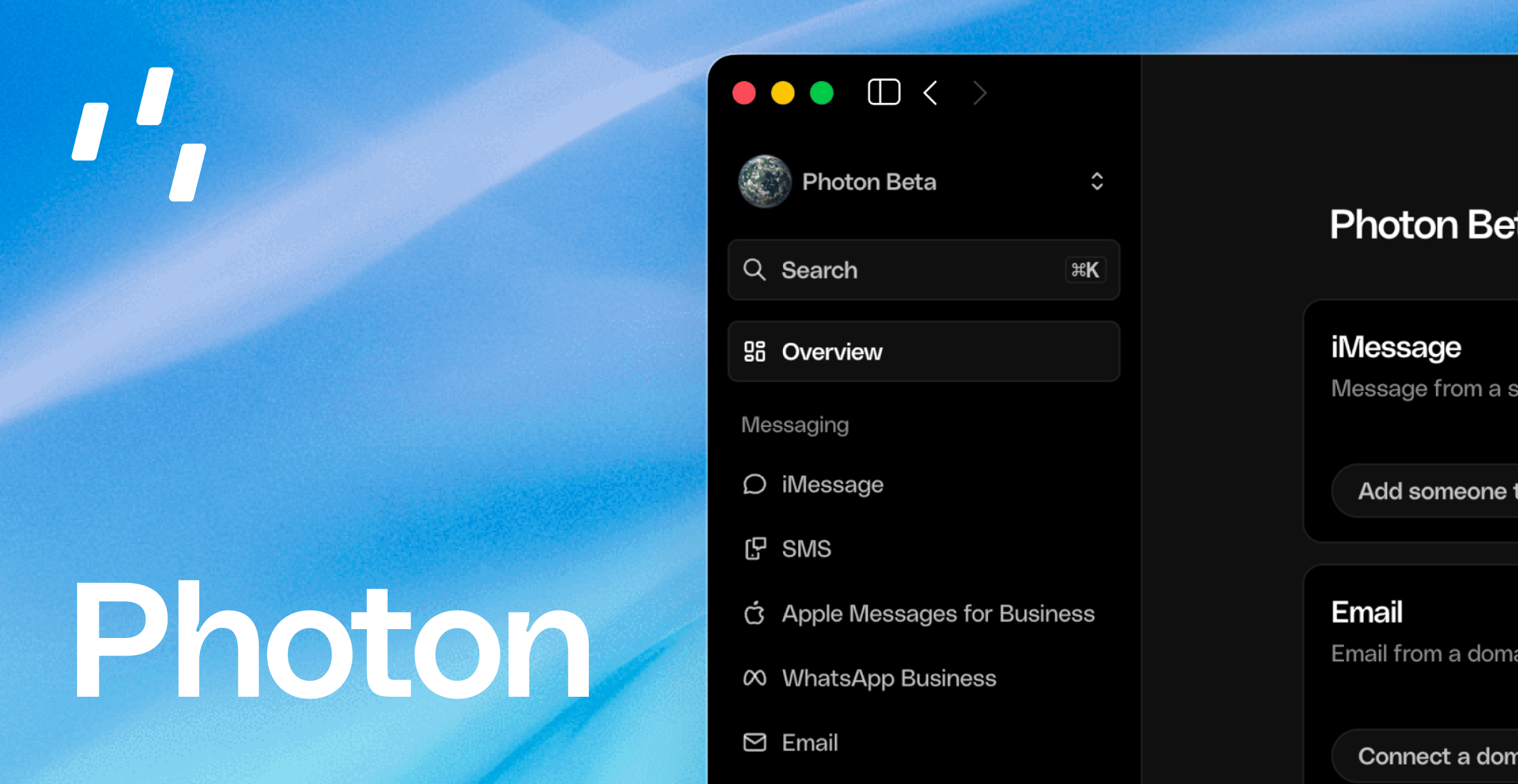 Photon gives companies building AI agents one unified API for messaging and voice.
Reach people in the apps they already use, with infrastructure that takes you from
your first conversation to enterprise scale.
Build your agent once. Photon handles the channel integrations and the infrastructure
behind them, so adding a new channel doesn't mean rebuilding your application.
Connect your application and make your first API request.
Find the endpoints and resources for your integration.
## Meet your users where they are
Photon powers personal agents on the everyday channels people already know and
trust. These channels are in operation today:
Reach people in their everyday conversations.
Bring your agent to business messaging on WhatsApp.
Connect with customers through Apple Messages.
Meet communities and users on Telegram.
Put your agent in the inbox.
Give your agent a voice over the phone.
**Coming later in 2026:** Slack, Discord, Signal, and WhatsApp. WhatsApp Business
is already available.
## One integration. Room to grow.
Keep your agent's logic in your application and let Photon handle delivery across
channels. A unified API makes it easier to launch, add new ways to reach your
users, and grow without maintaining a separate integration for every channel.
Use the [API clients](/docs/beta/api-client) for TypeScript, Python, and Rust.
## Infrastructure we own and operate
Photon runs on infrastructure we own, including our own data center, alongside
cloud providers. We operate the systems behind your conversations and support
high message volumes and enterprise workloads.
Infrastructure designed for high availability, with a team operating around
the clock. Follow service health on our status page.
Use project-scoped API keys and scoped credentials to give your integration
the access it needs.
## A plan for every stage
Start with Free, build with your team on Pro, or work with us on Business for
dedicated infrastructure support as you scale.
**\$0 base fee.** Everything you need to start operating your agent, with paid
usage billed separately.
**\$25 / month.** Designed for small teams, with included messaging, voice,
and email usage.
**\$250 monthly minimum.** Built for teams at scale, with dedicated
infrastructure support.
## We're here around the clock
Our team operates 24/7. Reach us at [support@photon.codes](mailto:support@photon.codes)
or join our [Discord community](https://discord.gg/4mr54mqQN) for help getting started,
technical questions, and support as you grow.
For an urgent escalation, email [ryan@photon.codes](mailto:ryan@photon.codes) to reach
Ryan, Photon's cofounder.
This documentation is built and hosted on [Mintlify](https://mintlify.com), a developer documentation platform.
Photon gives companies building AI agents one unified API for messaging and voice.
Reach people in the apps they already use, with infrastructure that takes you from
your first conversation to enterprise scale.
Build your agent once. Photon handles the channel integrations and the infrastructure
behind them, so adding a new channel doesn't mean rebuilding your application.
Connect your application and make your first API request.
Find the endpoints and resources for your integration.
## Meet your users where they are
Photon powers personal agents on the everyday channels people already know and
trust. These channels are in operation today:
Reach people in their everyday conversations.
Bring your agent to business messaging on WhatsApp.
Connect with customers through Apple Messages.
Meet communities and users on Telegram.
Put your agent in the inbox.
Give your agent a voice over the phone.
**Coming later in 2026:** Slack, Discord, Signal, and WhatsApp. WhatsApp Business
is already available.
## One integration. Room to grow.
Keep your agent's logic in your application and let Photon handle delivery across
channels. A unified API makes it easier to launch, add new ways to reach your
users, and grow without maintaining a separate integration for every channel.
Use the [API clients](/docs/beta/api-client) for TypeScript, Python, and Rust.
## Infrastructure we own and operate
Photon runs on infrastructure we own, including our own data center, alongside
cloud providers. We operate the systems behind your conversations and support
high message volumes and enterprise workloads.
Infrastructure designed for high availability, with a team operating around
the clock. Follow service health on our status page.
Use project-scoped API keys and scoped credentials to give your integration
the access it needs.
## A plan for every stage
Start with Free, build with your team on Pro, or work with us on Business for
dedicated infrastructure support as you scale.
**\$0 base fee.** Everything you need to start operating your agent, with paid
usage billed separately.
**\$25 / month.** Designed for small teams, with included messaging, voice,
and email usage.
**\$250 monthly minimum.** Built for teams at scale, with dedicated
infrastructure support.
## We're here around the clock
Our team operates 24/7. Reach us at [support@photon.codes](mailto:support@photon.codes)
or join our [Discord community](https://discord.gg/4mr54mqQN) for help getting started,
technical questions, and support as you grow.
For an urgent escalation, email [ryan@photon.codes](mailto:ryan@photon.codes) to reach
Ryan, Photon's cofounder.
This documentation is built and hosted on [Mintlify](https://mintlify.com), a developer documentation platform.